Run a request against the public test.mmt.dev server in under a minute.
Markdown (no JavaScript)
# Getting Started Run a request against the public [test.mmt.dev](https://test.mmt.dev) server in under a minute. ## 1. Install Install the [VS Code extension](./install.md). For CLI and CI, install [Testlight](./features/testlight/index.md) — see [Install](./features/testlight/install.md). ## 2. VS Code extension intro After install, click the Multimeter activity icon in the VS Code sidebar. You get a custom `.mmt` editor, [panels](./panels/index.md), and a gallery for new files. [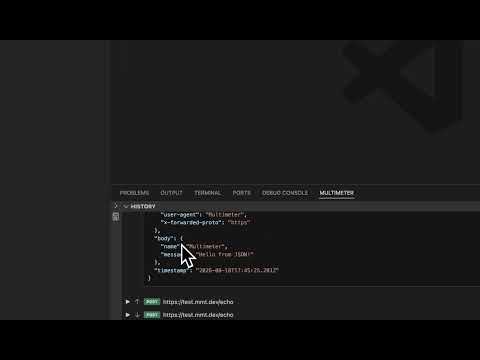](https://youtu.be/qlJTTd8YX6w) See **[Panels](./panels/index.md)** for Temp Files, Get Started, Mock Server, Connections, Cache, Environment Variables, and History. ### Empty page (new `.mmt`) Create a draft from [Temp Files](./panels/temp-files.md) → **New MMT file** (or Command Palette **New Multimeter File**). When a file has no `type:` yet, Multimeter shows the empty page instead of the full editor: 1. **Select type** — click a type icon such as {{btn:symbol-method:API}} or {{btn:beaker:Test}} to write `type: …` and open that editor 2. **Gallery** — or click a sample card; it fills the file with a working snippet you can run immediately ## 3. Create an API file Create `get_json.mmt`: ```yaml type: api title: Get sample JSON url: https://test.mmt.dev/json method: get format: json ``` ## 4. Send it In VS Code, open the file and click {{btn:send:Send}}. The Response panel shows status, headers, and body. With the CLI: ```sh npx mmt-testlight run get_json.mmt ``` ## 5. Try a test Create `echo_test.mmt`: ```yaml type: test title: Simple HTTP test description: Calls an HTTP endpoint directly and checks the response steps: - http: https://test.mmt.dev/echo title: Send an echo request method: post body: message: hello world expect: status: 200 body.body.message: hello world ``` Click {{btn:play:Run test}} — the Report panel shows whether checks passed. ## Next steps - [Send an API request](./tasks/send-api-request.md) — inputs, outputs, and headers - [Panels](./panels/index.md) — Temp Files, Get Started, and the other views - [Browse examples](/docs/examples) — copy a working folder - [MMT Files](./files.md) — types, shared metadata, and layout
For AI agents · llms.txt · Home